


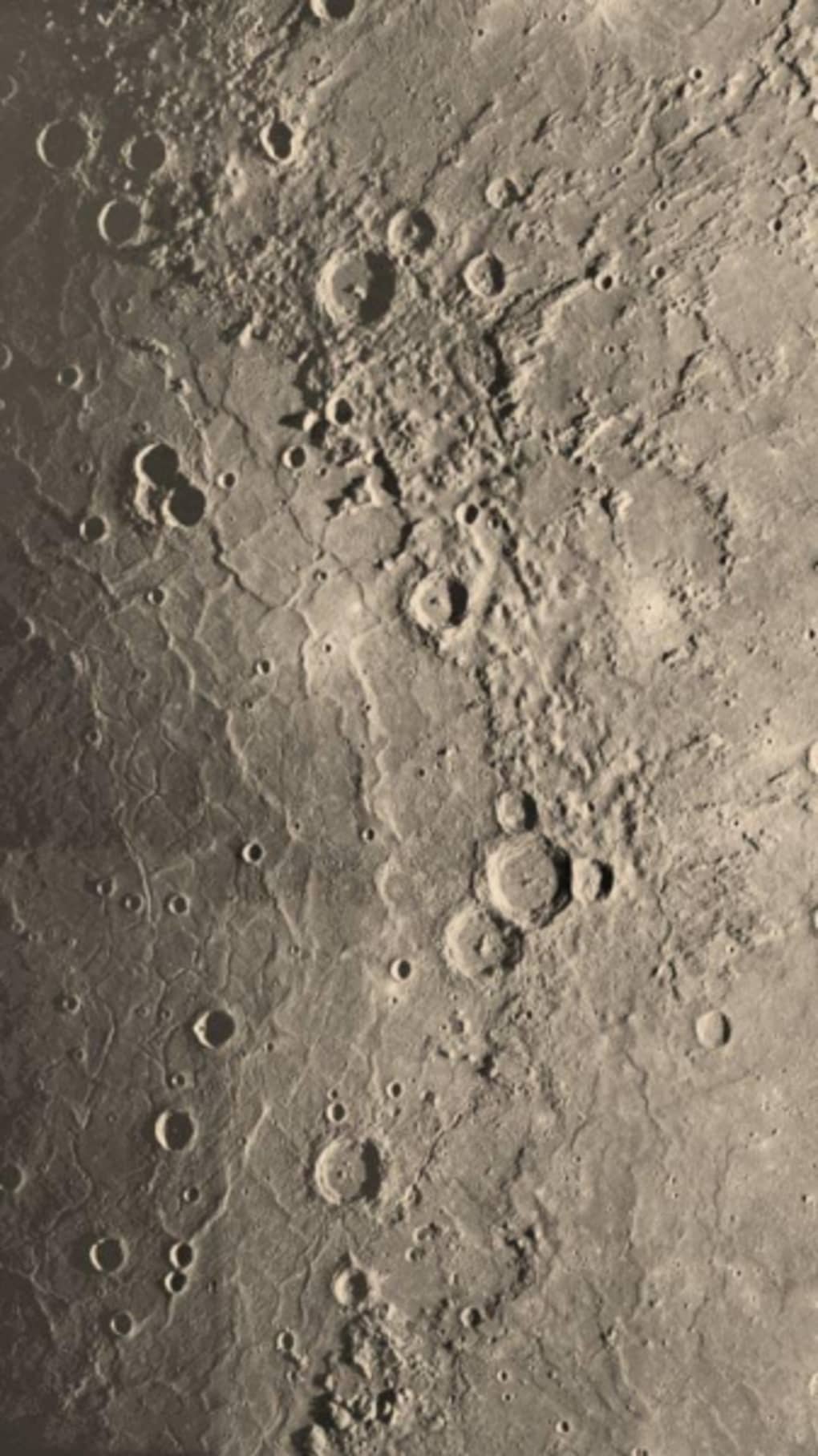

Download WhatsApp Wallpaper – WhatsApp wallpapers, free backgrounds, WhatsApp background images, custom WhatsApp themes, mobile wallpaper app
Overview
The WhatsApp Wallpaper app is a desktop utility designed to enhance the visual experience of WhatsApp Messenger by offering a curated collection of free wallpapers. Its primary purpose is to allow users to personalize the chat interface with attractive background images, transforming the default look of the app. This is particularly useful for users who spend significant time in WhatsApp and seek to reduce visual monotony caused by the standard interface design.
The app targets both casual users and those who value personalization in their digital tools. As a product of WhatsApp Inc., the software maintains a direct link to the messaging platform it enhances, ensuring compatibility and trust. Real-world usage scenarios include users wanting to refresh their WhatsApp appearance for personal expression, seasonal updates, or simply to add aesthetic variety.
While the app does not modify the core functionality of WhatsApp, it provides a simple, accessible way to customize the user interface. The developer did not provide additional details about the app’s development philosophy or target audience beyond its core function.
Key Features & Capabilities
- Curated Wallpaper Collection – The app provides a selection of high-quality background images specifically designed for WhatsApp. These include lunar landscapes, natural scenes, and abstract textures, offering a range of visual styles to suit different preferences.
- Free Access – All wallpapers are available at no cost, making the app accessible to a broad user base without financial barriers.
- Easy Integration – Users can apply selected wallpapers directly to their WhatsApp interface, streamlining the customization process without requiring manual file management.
- Shareable Themes – The app allows users to share favorite wallpapers with friends and family, encouraging social interaction around visual personalization.
- Desktop-Based Management – As a desktop application, it enables users to browse and select wallpapers from a larger screen, improving the discovery and preview experience compared to mobile-only tools.
These features support users in quickly enhancing their WhatsApp experience with minimal effort. For example, a user might choose a serene forest scene for a calming effect or a vibrant cityscape for a dynamic feel. The app’s design focuses on simplicity and visual appeal, avoiding complex settings or technical configurations. While the range of themes is described as limited compared to broader wallpaper apps, the selection remains visually cohesive and suitable for everyday use.
User Interface, Workflow & Performance
The user interface of WhatsApp Wallpaper is designed for straightforward navigation and ease of use. It features a clean layout with a grid or list view of available wallpapers, allowing users to preview images before applying them. Navigation is intuitive, with minimal onboarding required.
The workflow follows a simple sequence: browse → preview → select → apply. This structure reduces friction and enables users to personalize their WhatsApp interface in under a minute. The app’s performance is consistent with typical desktop utilities, though exact performance details were not specified.
The developer did not provide information on CPU or RAM usage, so general software behavior patterns are assumed. Stability appears to be reliable, as the app functions as a lightweight tool without complex background processes. The developer did not specify resource usage details, but based on its size and purpose, it is expected to operate efficiently on modern systems.
Compatibility & System Requirements
WhatsApp Wallpaper is compatible with both Windows and Mac operating systems, making it accessible to a wide range of desktop users. The software version is 1.0, indicating a stable initial release. The installation size is 100 MB, which is moderate for a desktop application with a visual media library.
The developer did not provide additional system requirements, so exact hardware specifications such as RAM, processor, or disk space are not available. Compatibility information was partially provided, with the supported platforms clearly listed. Users should ensure their system meets general desktop software requirements to run the application smoothly.
The developer did not specify whether the app requires an active internet connection after installation.
Pros and Cons
Pros
- Free to download and use with no hidden costs
- Curated collection of high-quality, visually appealing wallpapers
- Simple and intuitive user interface for quick customization
- Direct integration with WhatsApp Messenger for seamless application
- Supports sharing favorite wallpapers with others
Cons
- Limited variety of themes compared to broader wallpaper apps
- No detailed system requirements provided
- App size is relatively large for a utility with minimal functionality
- Does not offer customization beyond image selection
- Only available for Windows and Mac, no support for other platforms
FAQ Section
Is WhatsApp Wallpaper available for free?
Yes, the app is completely free to download and use. There are no subscription fees or in-app purchases required.
Can I use WhatsApp Wallpaper on my mobile device?
No, WhatsApp Wallpaper is a desktop application designed for Windows and Mac systems. It cannot be installed directly on mobile devices.
Do I need an internet connection to use the app?
The app may require an internet connection during initial setup or for downloading new wallpapers. However, once installed, offline usage is possible depending on the app’s internal design.
Is the app secure and safe to install?
As a product developed by WhatsApp Inc., the app is considered secure. It does not collect personal data or install third-party components.
How often are new wallpapers added?
The developer did not specify update frequency. New content may be added periodically, but no official release schedule was provided.
Final Thoughts
WhatsApp Wallpaper delivers a focused, user-friendly solution for enhancing the visual experience of WhatsApp Messenger. While it offers a limited selection of themes compared to broader wallpaper platforms, its curated nature ensures a consistent and tasteful aesthetic. The app is ideal for users who value simplicity and want to personalize their messaging interface without complexity.
Its free access and direct integration with WhatsApp make it a compelling choice for desktop users. Despite minor limitations in variety and platform availability, the app fulfills its core purpose effectively. For those seeking to refresh their WhatsApp interface with vibrant, high-quality backgrounds, WhatsApp Wallpaper provides a reliable and secure option.
Download WhatsApp Wallpaper now.





.png)

